Start from a business question
Identify the information a screen or decision actually needs. Shape the query around that task rather than retrieving unrelated records.

Build
Assemble the enterprise information needed by a screen, decision or service. Start from a business question and keep the result connected to the records, relationships and access boundaries behind it.
Identify the information a screen or decision actually needs. Shape the query around that task rather than retrieving unrelated records.
Work from the business records and relationships defined for the solution. Keep query design connected to the meaning of the data.
Assemble the information needed for an application, decision or service. Agree the actual record scope and required fields during solution design.
Use retrieved context within the business journey that needs it. A person should see information relevant to the review or next action.
A decision or model-assisted task depends on meaningful facts. Plan how query results supply the relevant business context.
A query is part of the access design, not a bypass around it. Confirm permitted records and the handling of sensitive information for each use.
Discuss the objects, responsibilities and boundaries that make this capability useful in your environment.
The query inputs and results needed by the application
The filters and query methods available in your configuration
Access boundaries and the scope of returned records
Illustrative solution scenarios to shape a useful demonstration.
Retrieve the records needed for a supplier onboarding review.
Prepare the business facts passed to an approval-routing decision.
Assemble the permitted context for an agent-generated case summary.
Inside the product
Inspect native application and builder views, with full-size previews and the context behind each capture.
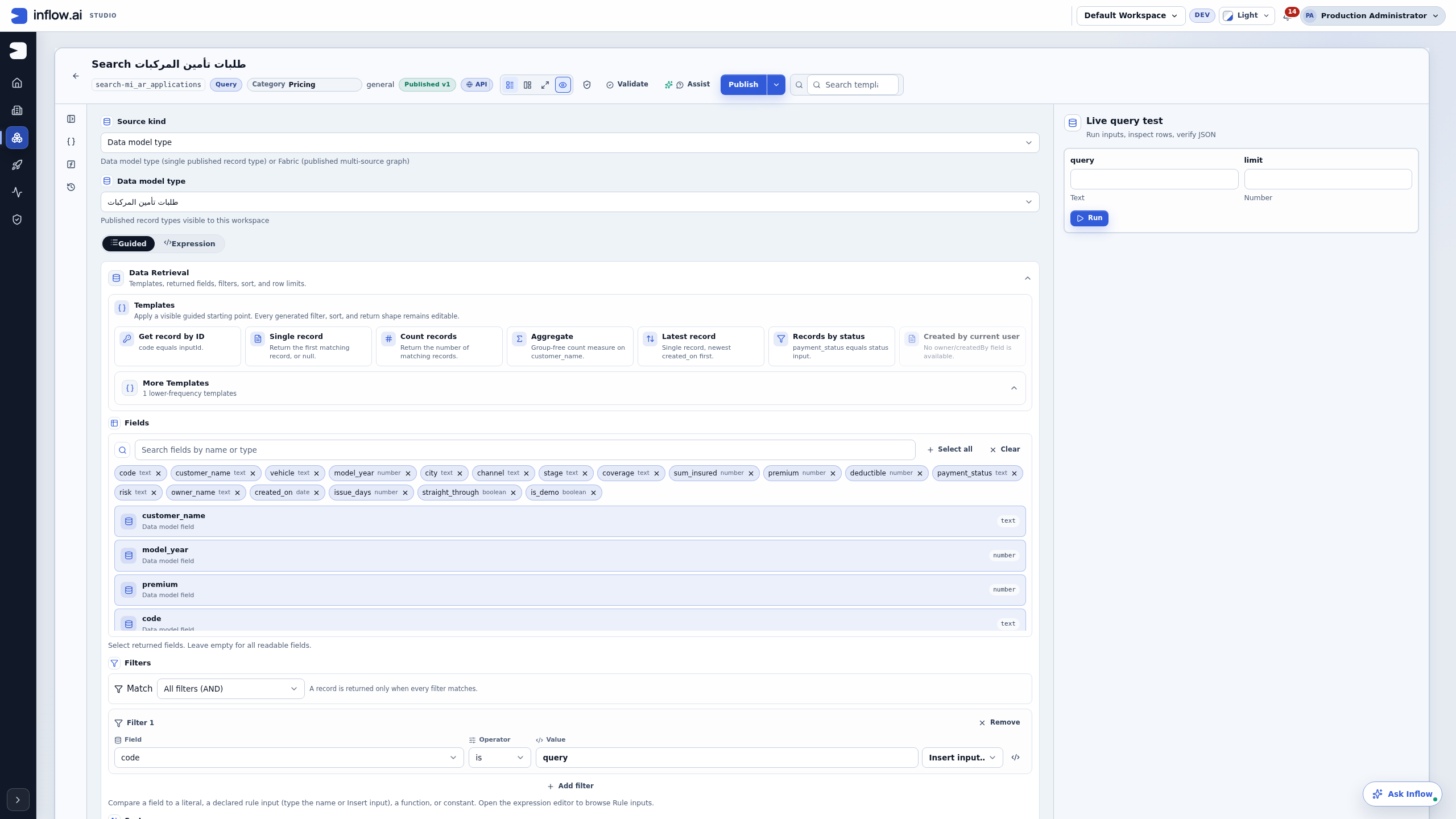
Native guided search-query editor showing an existing configuration.
Bring your business journey, AI environment and integration needs. Let’s explore the right starting point.
Request a demo